Shrine Study
← App map · A retail study with a sign-in screen, a backdrop category menu, an asymmetric product grid and a cart that expands from a corner.
Screenshots scroll sideways · tap to enlarge
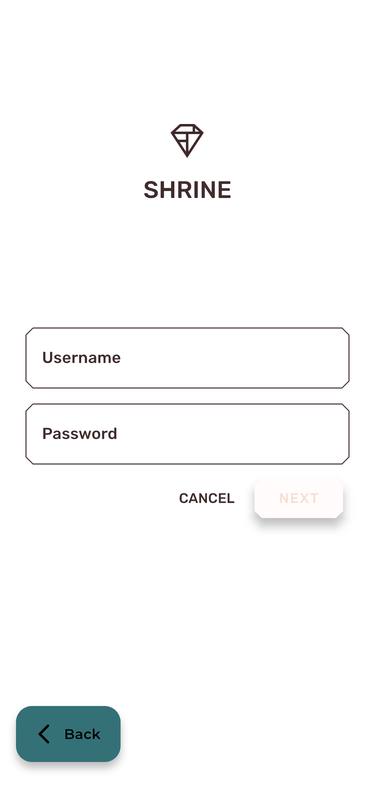 Sign in
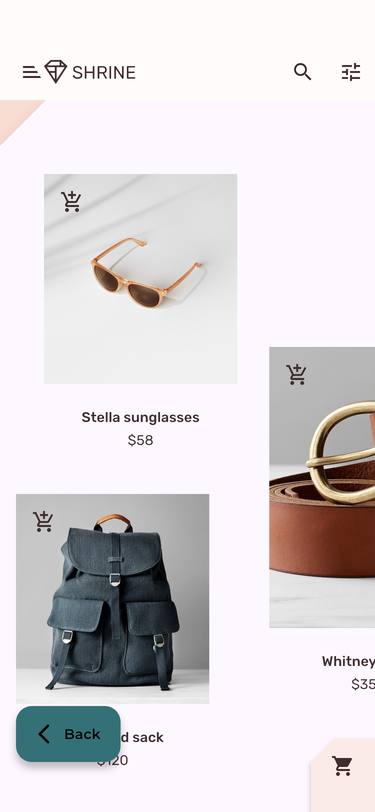 The asymmetric product grid
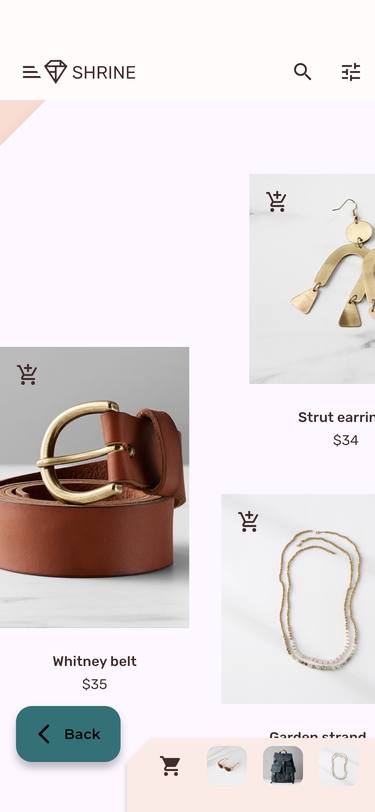 Three products added: thumbnails in the corner tab
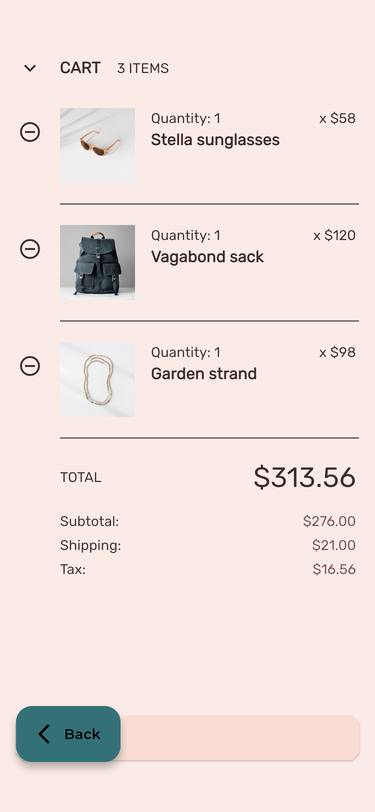 The expanded cart with shipping and tax
What it does
Shrine is its own MaterialApp that opens on /shrine/login: a logo, username and password fields with cut corners, CANCEL (leaves the study through the root navigator) and NEXT (pushes /shrine; no check is made). The home is a backdrop: the front layer is the product grid, the back layer the category menu — All, Accessories, Clothing, Home — and tapping the title or menu icon slides the front layer down over 450 ms. Picking a category calls setCategory and closes the menu. The 38 products are laid out in an asymmetric, alternating one-and-two-card column pattern on a phone and balanced columns on desktop. Tapping a product adds one to the cart. The cart starts as a small tab in the corner showing up to 3 thumbnails and a +N count for the rest; tapping it expands it over 500 ms into the full cart, with a scrim behind, while the backdrop hides. The cart sums each line, adds $7 shipping per item and 6 % tax on the subtotal; CLEAR CART empties it and collapses the sheet, and back closes the cart before it leaves the study. The cart's contents and both animation positions are saved with state restoration.
Logic class diagram
The app state is a scoped model, restored as a whole; the two animation controllers are owned by the app state and shared through an InheritedWidget.
- ──▷ holds
- ◇── list of
- ◆── contains
- ┄┄▷ uses
Three layers on one screen — backdrop, scrim, expanding cart — all driven by the two controllers.
Add to the cart and check out sequence
The grid, the corner tab and the cart all listen to the same model.
Key files
lib/studies/shrine/app.dart · Shrine app, controllers, restorationlib/studies/shrine/login.dart · sign-in screenlib/studies/shrine/backdrop.dart · front and back layerslib/studies/shrine/category_menu_page.dart · category menulib/studies/shrine/expanding_bottom_sheet.dart · corner cart that expandslib/studies/shrine/shopping_cart.dart · cart page and totalslib/studies/shrine/model/ · app state, products, categorieslib/studies/shrine/supplemental/ · product grids and cards