Screenshots scroll sideways · tap to enlarge
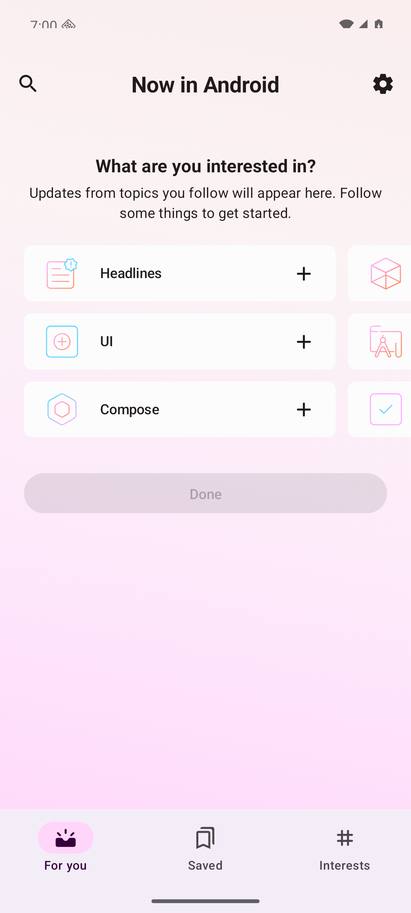 First run: pick the topics you follow
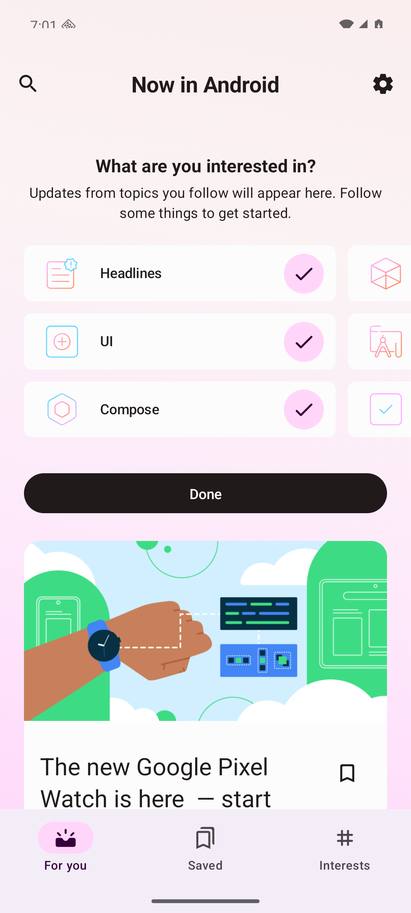 Done turns on once a topic is followed
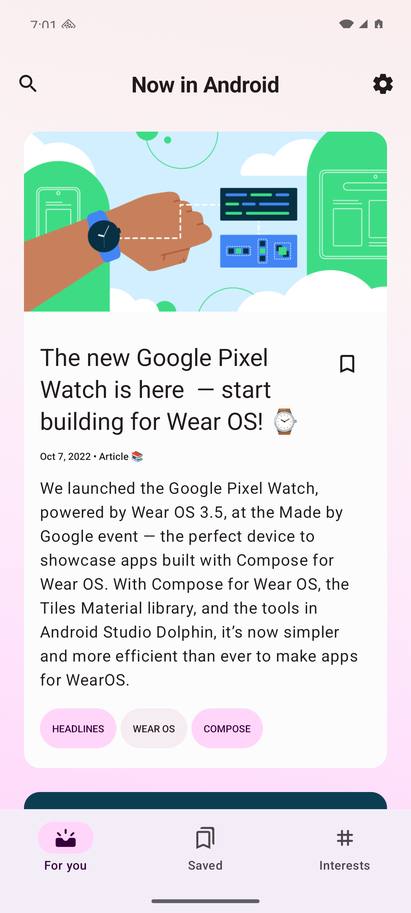 News from the followed topics
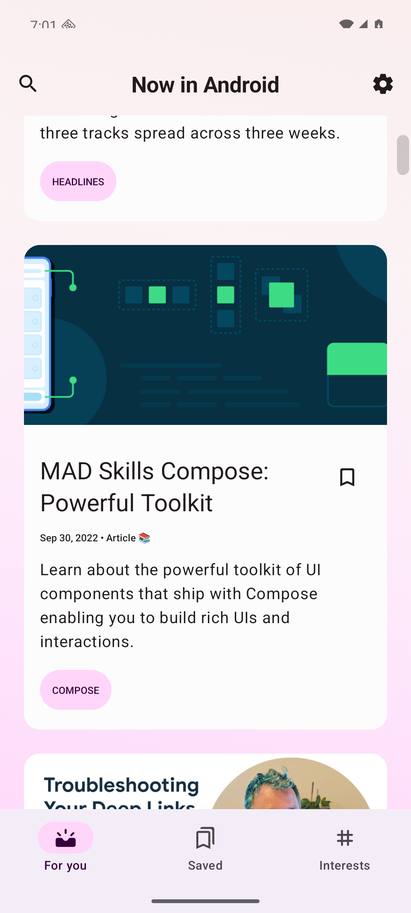 The staggered feed, scrolled
What it does
The first time the app runs (shouldHideOnboarding is false in the saved UserData), the feed's top item is a topic-picking grid: a 3-row horizontal LazyHorizontalGrid of every followable topic, each a toggle button. Done only enables once at least one topic is followed (isDismissable); tapping it calls setShouldHideOnboarding(true) and the onboarding item disappears for good. Below it, a LazyVerticalStaggeredGrid lists news from the topics you follow, each card toggle-able as bookmarked. A top loading wheel slides in while syncing or while either the onboarding or the feed is still loading, and a deep-linked article (linkedNewsResourceId on the nav key, or a notification's DEEP_LINK_NEWS_RESOURCE_ID_KEY) opens straight into a Chrome custom tab and is marked viewed. On API 33+, the screen asks once for the notification permission if it hasn't been denied before.
Logic class diagram
The screen is pure Compose state fed by one view-model; onboarding and the feed are two independent StateFlows combined only for layout.
… state machine
OnboardingUiState starts Loading until userData and the followable-topics list both arrive; after that it never goes back to Loading.
One scrollable grid holds both sections; the loading wheel and scrollbar float above it.
- ◆── contains
- ──▷ reads model
Follow a topic, then open a deep-linked article sequence
Both paths run through the same repositories; only the destination differs.
Key files
feature/foryou/impl/.../ForYouScreen.kt · the grid, onboarding section, deep-link effectfeature/foryou/impl/.../ForYouViewModel.kt · onboarding + feed state, topic/bookmark togglesfeature/foryou/impl/.../OnboardingUiState.kt · the onboarding state machinefeature/foryou/impl/.../navigation/ForYouEntryProvider.kt · wires the nav key to the screenfeature/foryou/api/.../navigation/ForYouNavKey.kt · the top-level nav key, carries a deep link idcore/ui/.../NewsFeed.kt · NewsFeedUiState and the shared newsFeed() grid items