Search Module
← App map · The Search tab — recent searches and reading history until you type, then live results 200 ms after you stop, in any of your languages.
Screenshots scroll sideways · tap to enlarge
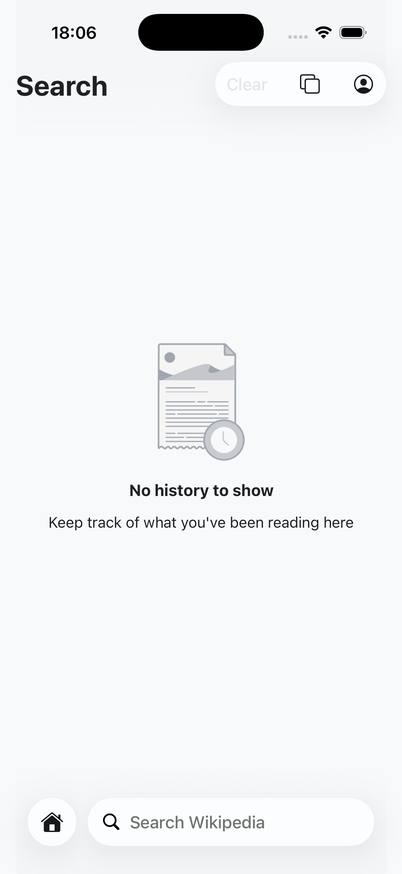 The Search tab with reading history
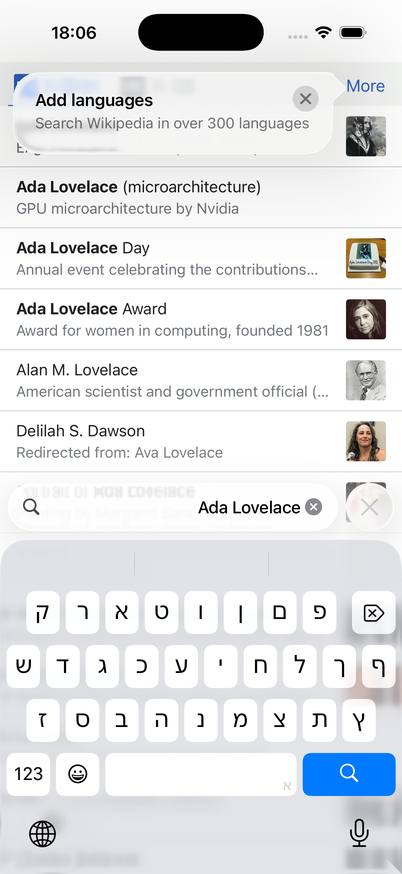 Results for each preferred language
What it does
SearchViewController is the root of the Search tab (the app can be set to open on it). Before you type it shows your reading history below the search bar, with a clear-all button. Focusing the bar presents a UISearchController whose results controller is SearchResultsViewController: with an empty field it lists recent search terms, and as soon as there is non-blank text it waits 200 ms after the last keystroke (cancelling the previous wait), then searches. A language bar above the results switches the search to another of your preferred wikis and searches again. SearchResultsLoader runs the query through WMFSearchFetcher against that wiki; a running search is cancelled whenever a new one starts. Results are rendered by the SwiftUI WMFSearchResultsView; tapping one saves the term to recent searches and pushes the article. For readers enrolled in the semantic-search experiment, an entry point under the results opens a sheet of passage matches, and the chosen article scrolls to the highlighted passage.
Logic class diagram
The tab controller owns the UIKit search controller; the results controller does the searching and owns the SwiftUI model.
- ──▷ holds
- ◆── contains
- ┄┄▷ uses
- ◆── contains
- ──▷ reads model
Type a query sequence
Each keystroke restarts a 200 ms wait; only the last one searches.
Key files
Wikipedia/Code/SearchViewController.swift · Search tab, history, semantic searchWikipedia/Code/SearchResultsViewController.swift · debounced search and recent searchesWikipedia/Code/SearchResultsLoader.swift · runs a searchWikipedia/Code/WMFSearchFetcher.m · search API callsWikipedia/Code/SearchLanguagesBarViewController.swift · language switcherWMFComponents/Sources/WMFComponents/Components/Search/ · SwiftUI results and recent searches